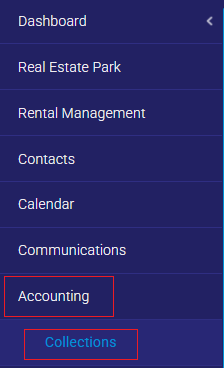
1. Go to the “Accounting” tab and the “Collections” sub-tab.
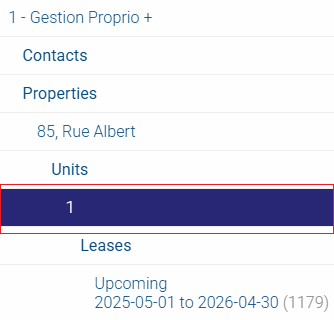
2. Preselect the desired unit in the top-left selector.
3. Enter the payment date, payment method and amount for the first tenant (a second line will automatically appear if the amount does not equal the total rent).
4. In the “Payers” column, in the first row, click on the “X” to the right of the other tenant’s name.
5. In the second line, repeat step 3 for the other tenant until the rent is paid in full (the balance should be zero).
You have now entered a rent payment for tenants who pay different amounts.