
Steps to follow
1. Go to the “Contacts” tab.
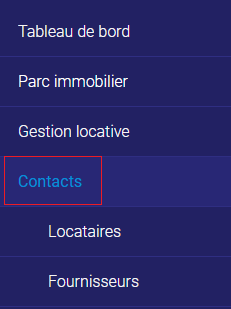
2. Click on the contact to which you want to add a document.
3. Cliquez sur “Modifier” dans le coin supérieur droit.

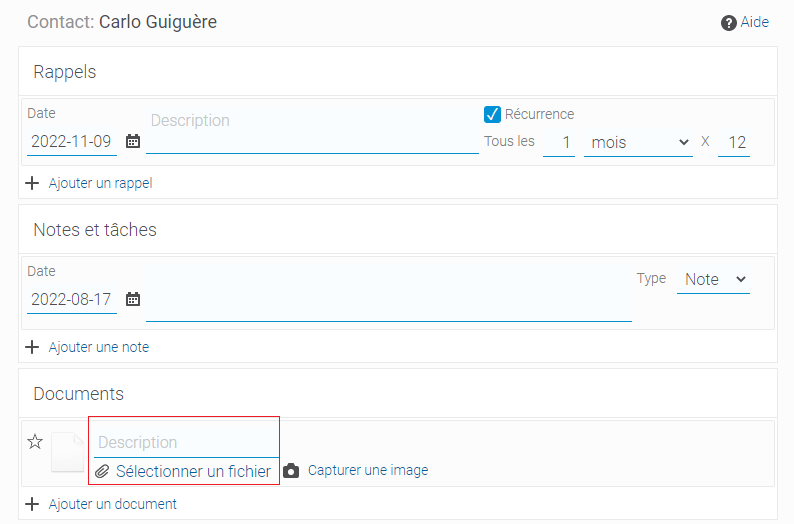
4. On the fourth page of the dialog window, click on “Select file” to add a document.
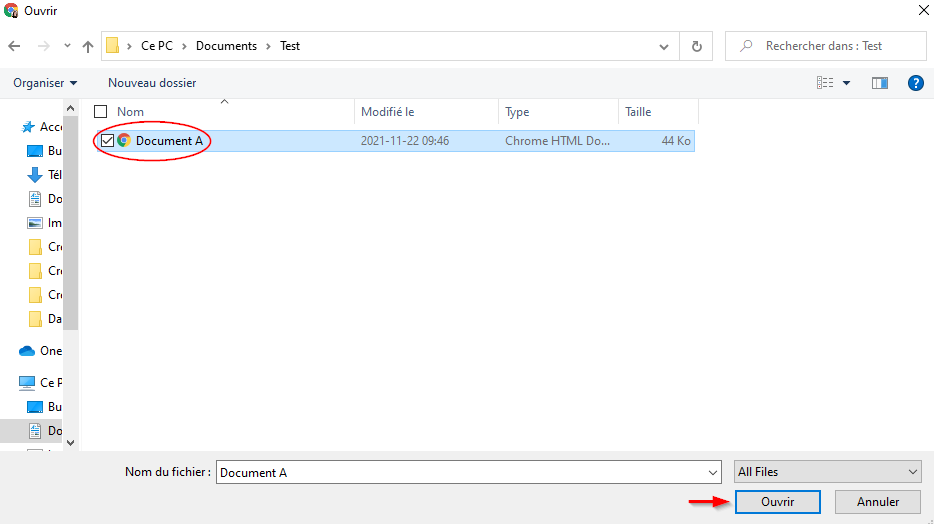
5. Browse your computer and upload the document.
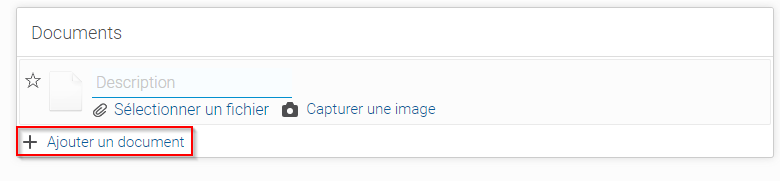
6. To add more than one document, click on “Add document”.
7. Click on “Finish”.

You have now added a document to a contact.