
Skip to main content



Steps to follow
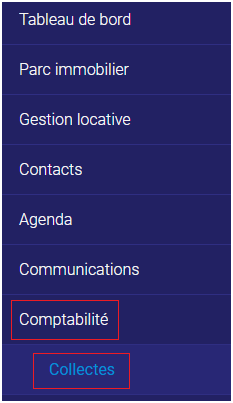
1. Go to the “Accounting” tab and the “Collections” sub-tab.
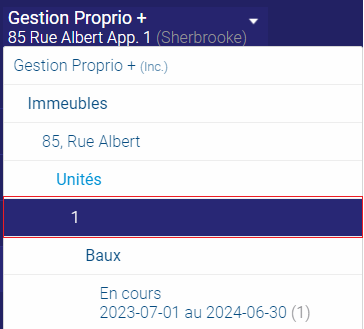
2. In the selector at the top left, click on the unit you want to change.
3. Click on “Add” in the top right-hand corner.
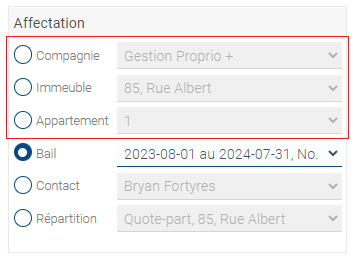
4. Ensure that the invoice is assigned to the correct company, property, and unit.
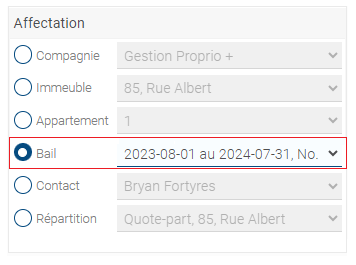
5. Check “Lease” in the “Assignation” column.
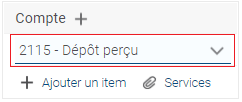
6. Type “2115 – Cached Deposit” in the “Account” section.
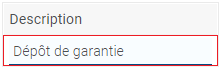
7. Describe the deposit in the “Description” section (example: “security deposit unit X”).
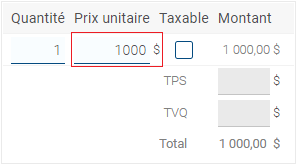
8. Enter the deposit amount.
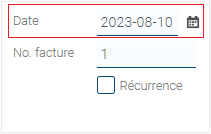
9. Select the deposit date (probably the day of the first month’s rent payment).
10. Click “Finish.”
11. When you receive the deposit, go to the “Collections” sub-tab and enter the payment date, payment method, and amount.
You have now registered a security deposit.