
Skip to main content
Steps to follow
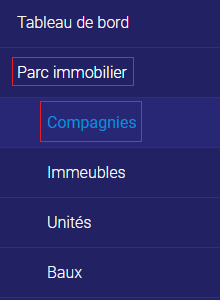
1. Go to the “Real Estate Park” tab and the “Companies” sub-tab.
2. Click on “Add” in the top right-hand corner.

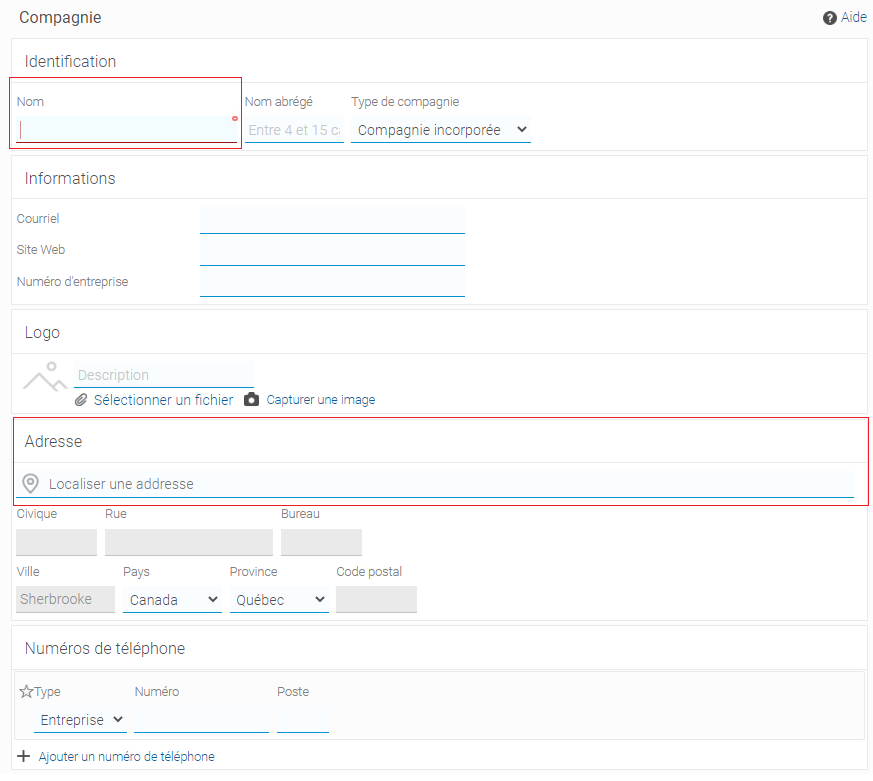
3. Enter the company’s name, address and any other information you deem necessary.
4. Click on “Finish”.

The company has now been created.